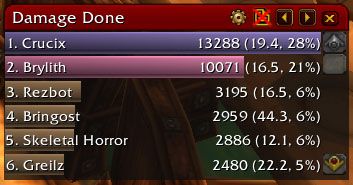
Recount is a graphical damage and healing meter that records combat data in real time, providing detailed breakdowns by ability, target, and time period.
Combat
 DF
DF BfA
BfA MoP
MoP WoD
WoD SL
SL WotLK
WotLK Cata
Cata Legion
 Vanilla
 TBC
TBC162 downloads
Recount is a graphical damage and healing meter that records combat data in real time, providing detailed breakdowns by ability, target, and time period.
DFBfAMoPWoDSLWotLKCataLegionVanillaTBC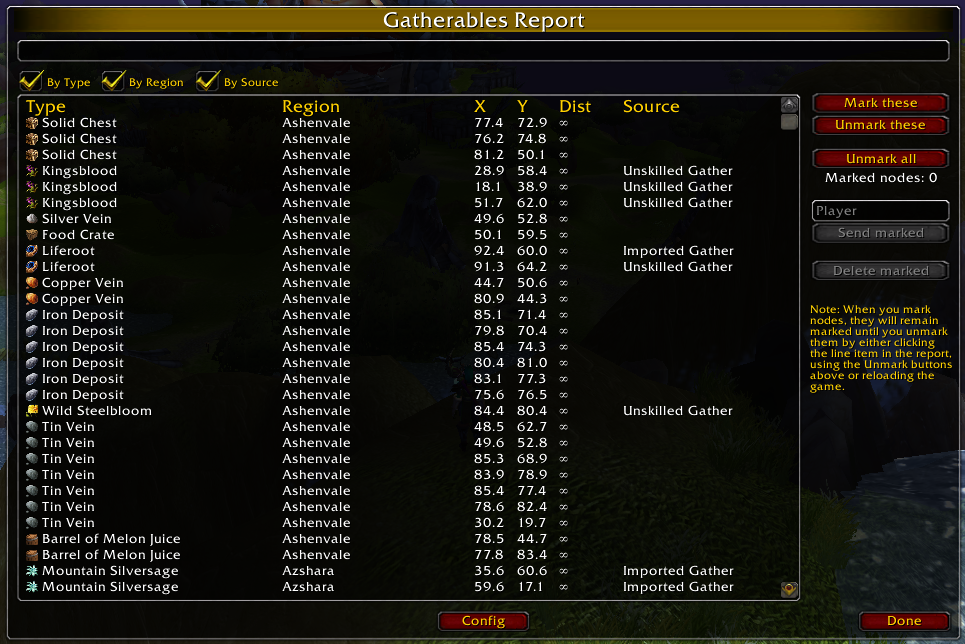
Gatherer is a gathering profession addon that records the locations of herb nodes, mining veins, and treasure chests on your minimap and world map,.
MoPWoDWotLKCataLegionVanillaTBC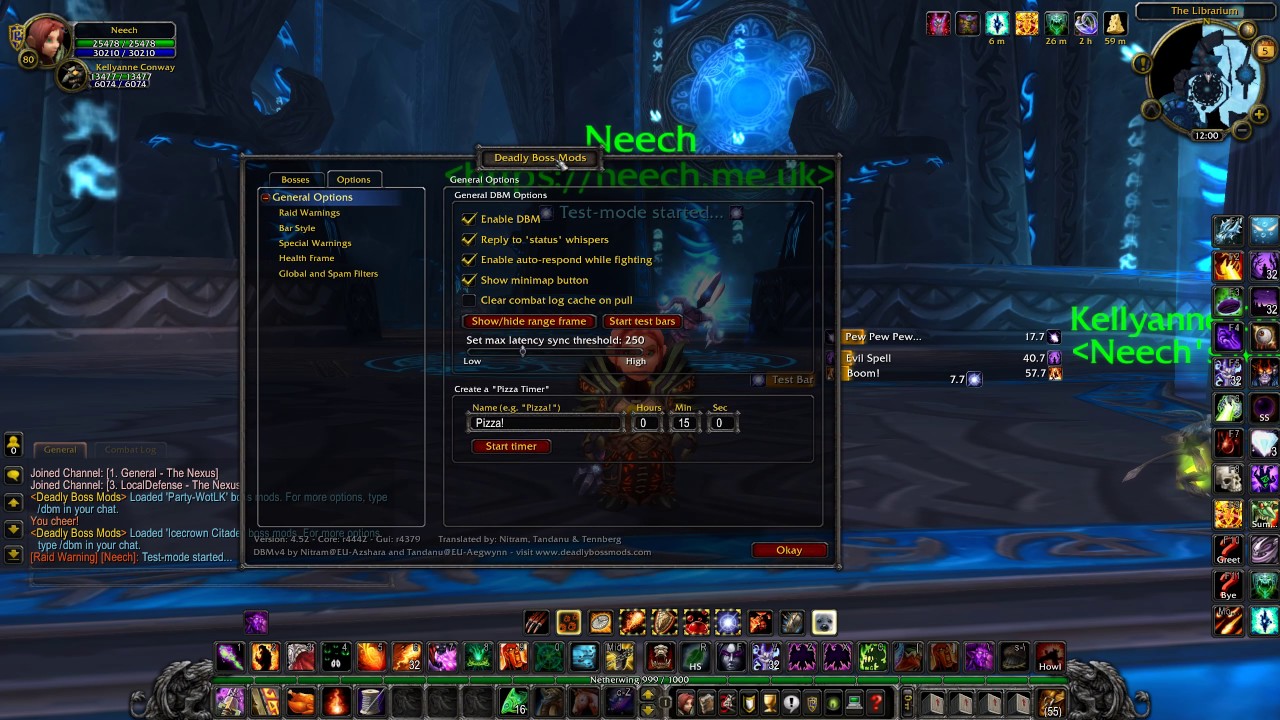
DBM (Deadly Boss Mods) is the most widely used boss encounter addon in World of Warcraft, providing encounter-specific warnings, ability timers, and.
DFBfAMoPWoDSLWotLKCataLegionVanillaTBC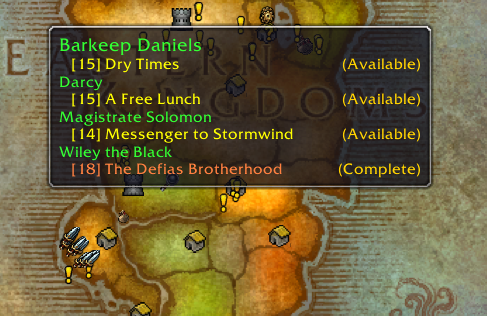
Questie is the definitive quest helper for Classic Vanilla WoW, displaying available quests, objective locations, and turn-in points on your world map and.
Vanilla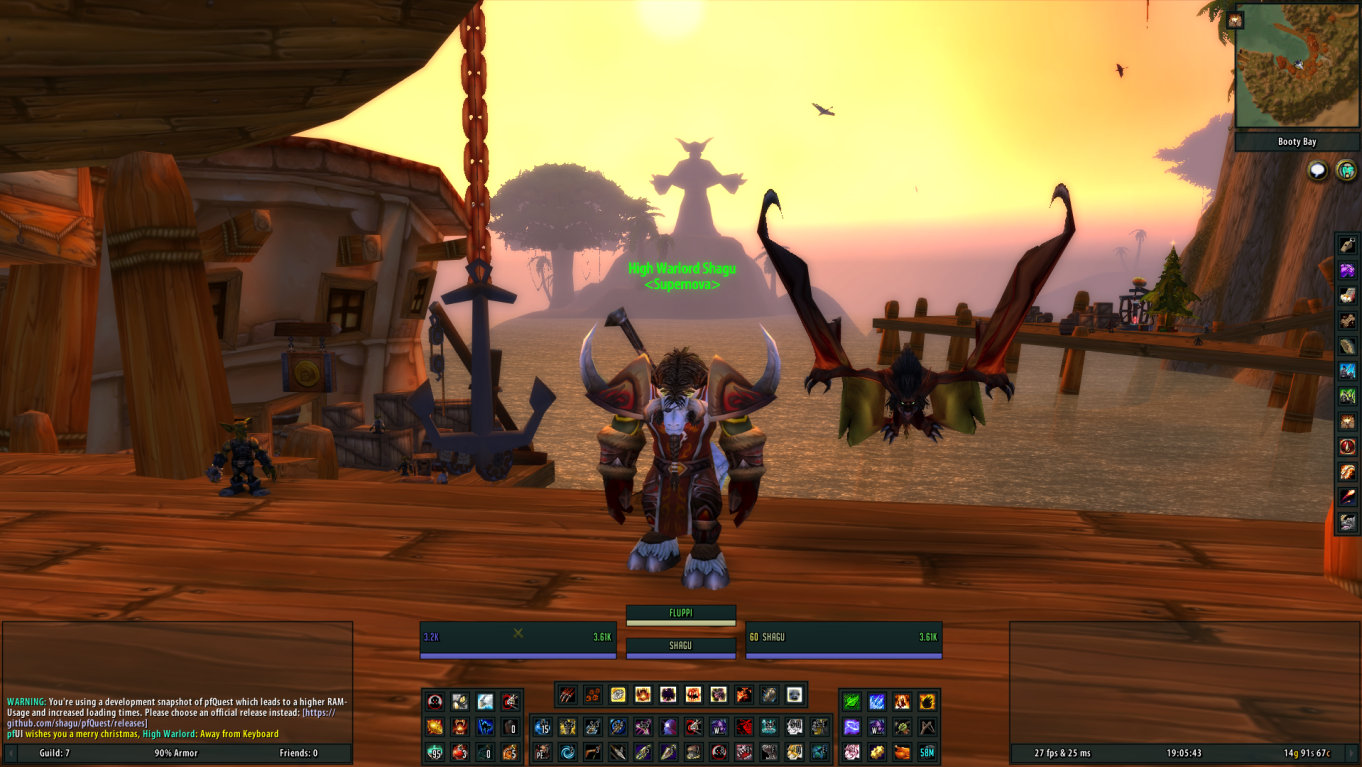
pfUI is a comprehensive UI overhaul for Vanilla and TBC that replaces unit frames, action bars, chat frames, bags, tooltips, and the minimap with a clean,.
VanillaTBC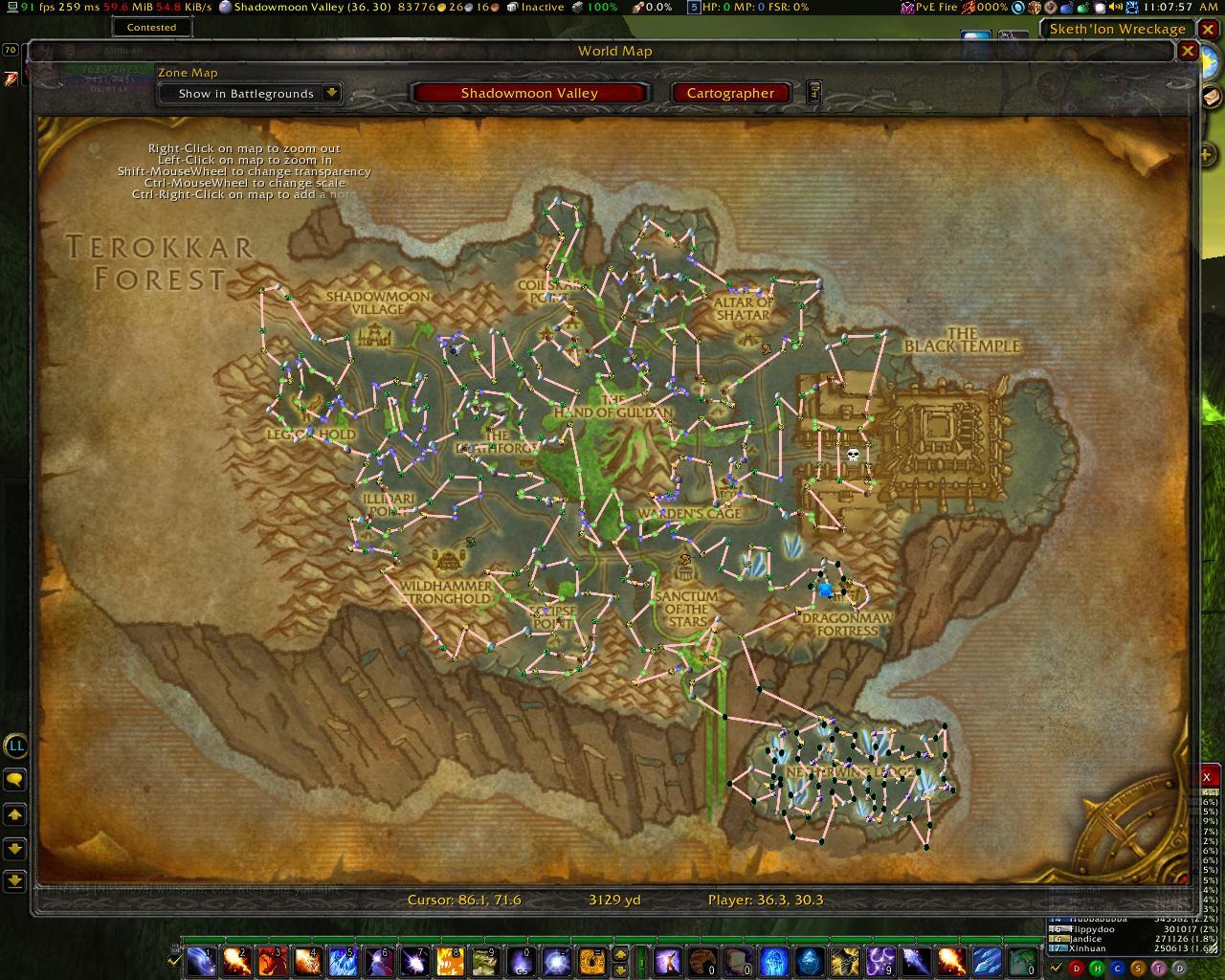
Routes is a farming optimization addon that draws customizable path lines on your minimap and world map connecting gathering node locations into efficient.
DFBfAWoDSLWotLKCataLegionVanillaTBC
Leatrix Latency Fix is a standalone network optimization tool that reduces World of Warcraft latency by enabling TCP acknowledgment optimization in your.
MoPWotLKCataVanillaTBC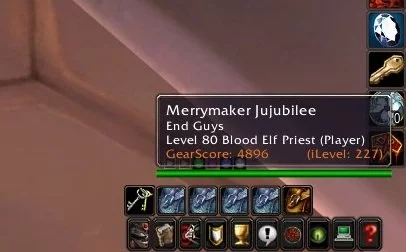
GearScoreLite calculates a numerical gear score for any player character based on their equipped item levels and slot weights, displaying the result in.
WotLKTBC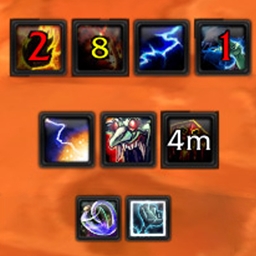
OmniCC adds numerical cooldown countdown text directly onto your action bar buttons, inventory items, and buff icons, replacing the default clock-sweep.
DFBfAMoPWoDSLWotLKCataLegionVanillaTBC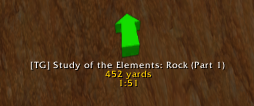
TomTom is a navigation addon that provides an on-screen directional arrow pointing toward custom waypoints, with distance tracking, estimated arrival.
DFBfAMoPWoDSLWotLKCataLegionVanilla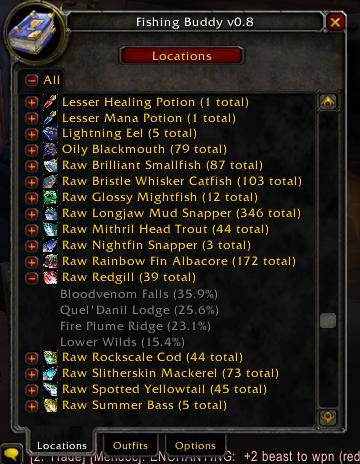
Fishing Buddy is a quality-of-life addon for WoW anglers that automates gear swapping, tracks catch statistics, provides fishing node locations, and adds.
DFBfAMoPWoDSLWotLKCataLegionTBC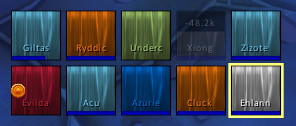
Grid2 is a compact raid frame addon built for healers, displaying the entire raid in a dense, information-rich grid with customizable indicators for.
DFBfAMoPWoDSLWotLKCataLegionTBC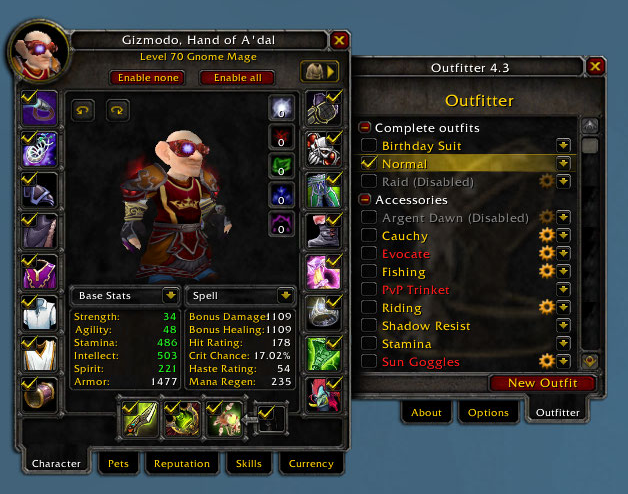
Outfitter is a gear set management addon that saves equipment configurations and automatically swaps between them based on events like entering a.
BfAVanillaTBC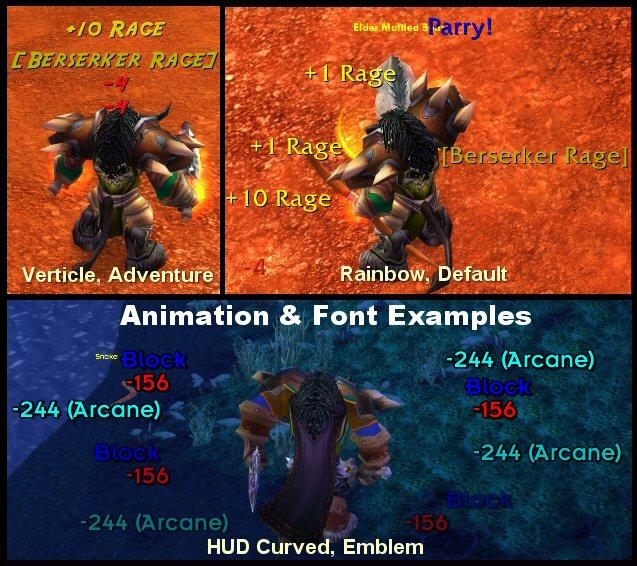
Scrolling Combat Text (SCT) is a combat feedback addon that replaces the default floating combat numbers with highly customizable scrolling text showing.
MoPWoDWotLKCataLegionVanillaTBC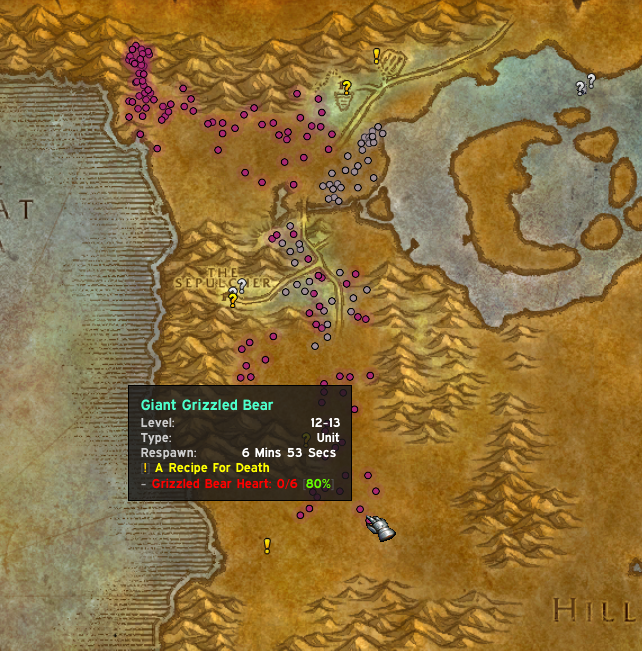
pfQuest is a quest helper addon for Vanilla and TBC that marks available quest givers, quest objectives, and turn-in locations directly on your world map.
VanillaTBC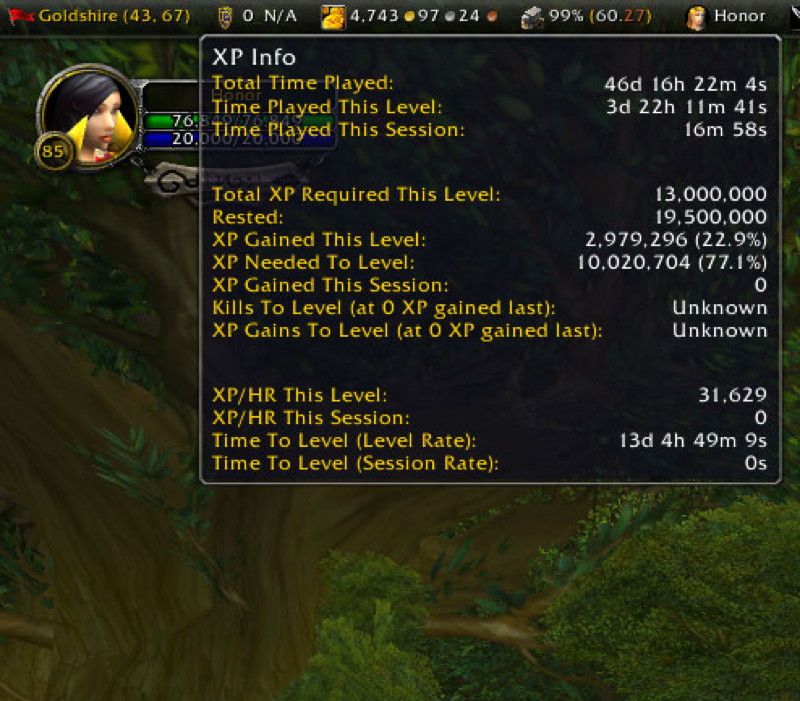
Titan Panel creates one or two information bars at the top and bottom of your screen displaying real-time data through modular plugins covering gold, XP.
DFBfAMoPWoDSLWotLKCataLegionVanilla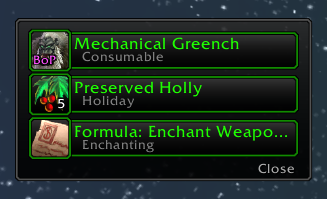
XLoot replaces the default loot window with a cleaner, more functional frame featuring item quality borders, auto-looting options, group loot.
MoPWotLKCataVanillaTBC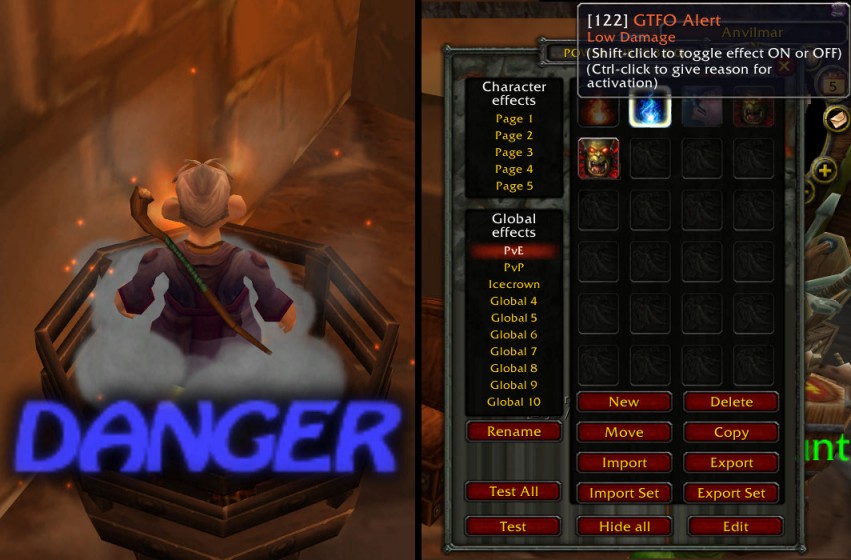
GTFO is an audible warning addon that plays a loud, unmistakable alarm when your character is standing in damaging ground effects like fire, poison.
DFBfAMoPWoDSLWotLKCataLegionVanilla
SpartanUI is a complete UI overhaul that frames your game view with artistic bottom-screen artwork incorporating action bars, unit frames, minimap, and.
DFBfAMoPWoDSLWotLKCataLegionVanillaTBC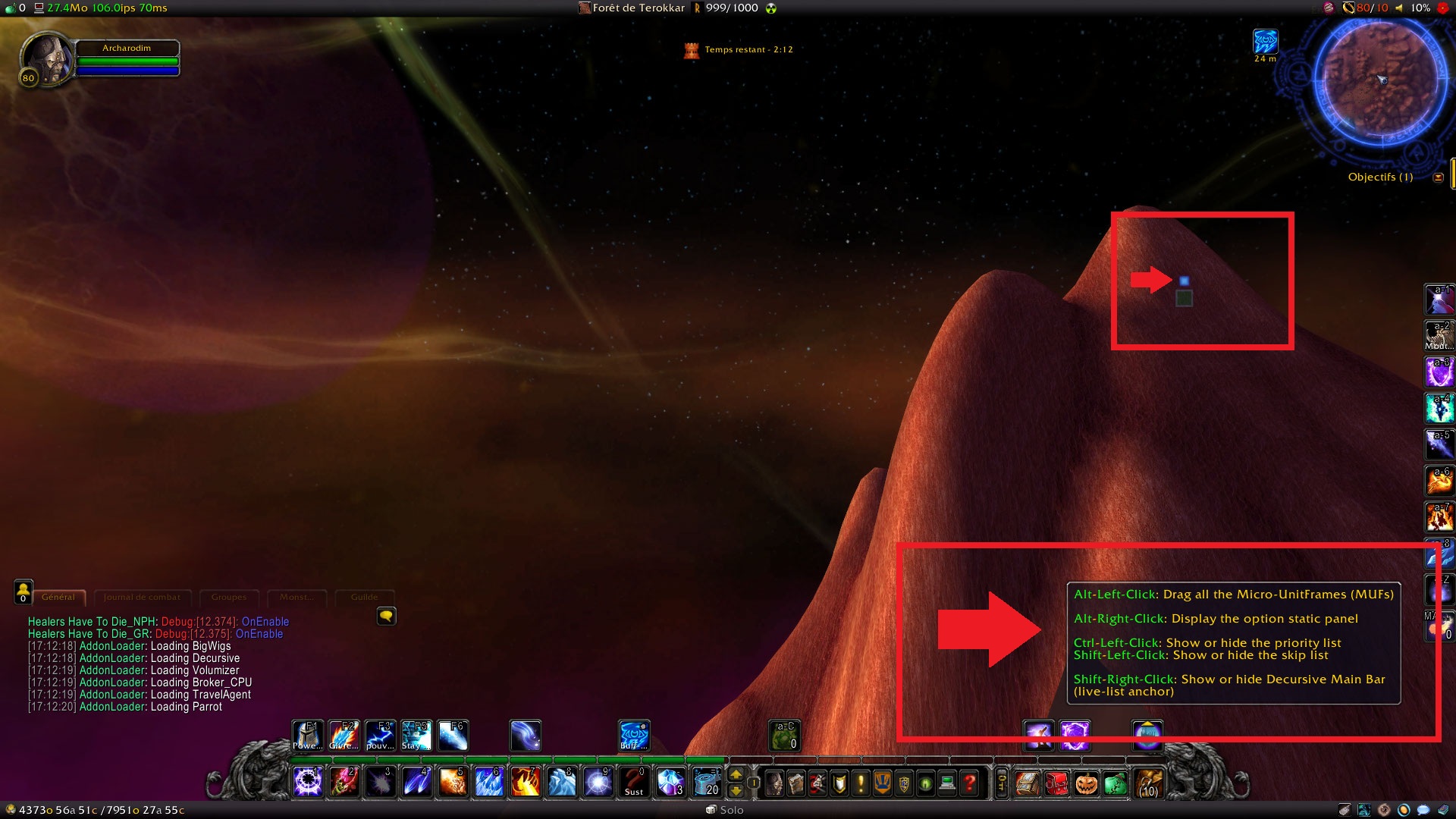
Decursive is a healing-focused addon that streamlines the removal of curses, poisons, diseases, and magic debuffs through a compact micro-unit-frame.
DFBfAMoPWoDSLWotLKCataLegionTBCCommon questions about WoW addons
Everything you need to know about addons for this expansion
There are many different type of addons to WoW. In general, some are more popular and useful than others, and through our list, you will be able to find all the addons that fits you. Below, we have listed some of the popular types of addons you can download:
All in all, we recommend that you sort the addons by category and by populairty. Doing so, will help you find the type of WoW Addons that you need the most.
Down below, you can see a list of expansions that Addons can be used on.
After seeing the list of expansions that addons run on, we can conclude that Addons can be used on all of World of Warcraft game versions. The important part is that you have a game client for the particular expansion, and that you ensure to download the right addon version that supports the particular expansion. Each addon has a supported game version, so when you download the WoW addon from our page, you need to select the expansion you want to download the addon for.
The second thing you need to know about support of expansions related to Addons is that you need to find a server that you can use the addon on. For instance, if you play retail WoW - it is simple, you just download the addon associated to Dragonflight/retail, and log into the game. However, if you want a WoW 3.3.5 Addon, you need to find a Wotlk Private Server that you would like to play and use the addon on. In that case, we suggest finding the server through our website, as you will easily have the top servers available.
Installing a WoW Addon may sound complicated, but it is actually pretty straight forward. We have made a detailed guide to ensure that it is easy for you to set up. Here are the following steps to set up the addon:
As we provide you with a site where you can easily download World of Warcraft Addons at our site - DivineTop, we felt that it was natural to also explain what addons for WoW really are. In here, we include what you should know before downloading an addon, and what you can expect. For instance, are Addons allowed on retail WoW, or is it like cheating? And what are the most popular addons for WoW? We will answer all of these questions in this section.
World of Warcraft addons are a way for you to optimize your gameplay, and it is 100% completely allowed. It is not like cheating, and you cannot get banned for using addons. For instance, Leveling addons simply provides you with recommendations on your Leveling route and can help you reach the max level faster. This means that it is not punishable. If you are looking for an alternative to a Leveling addon, we also recommend looking at our Dragonflight private server guide for endgame tips and class recommendations.
WoW Addons are built in LUA and are extremely popular to use because they have a huge impact on the ingame. For raiding, having addons that can showcase Boss Encounters and give an overview of PvE damage and statistics, are almost a must. Even if you are a casual player, you should always use addons to optimize your gameplay as much as possible. In fact, addons help making your character and experience much more smooth. It can therefore be seen as a helpful tool and ressource on your gaming journey.
We believe that downloading addons for WoW in 2026 should be extremely easy. Because of that, DivineTop was built. We are a site providing WoW related content, including WoW Addons. We have a large selection of addons, and are continiously updating it. We have made it easy for you to find the addon you need, by providing a filter system. In here, you can sort the addons by category, by popularity, and by expansion. As a result, you can quickly get ingame with your new addon.
The only thing you need to keep in mind when downloading the addon, is to ensure you select the version matching the game version you are playing on. For instance, if you play retail, you need to select the live Dragonflight link, after pressing Downloading addon. If you play on a WoW Private Server, you need to select the expansion that the private server is running on.
Down below, you will find the most important things to get started on using addons for WoW, whether it is for a Private Server, or retail.
Addons are an essential part of World of Warcraft. The reason is that they can utilize your gameplay, and for example help you level faster, or perform better doing dungeons or raids. For example, having a quest addon during your leveling phase is extremely useful. This way, you can see a recommended path in order to level faster, and reach max level. Additionally, when doing dungeons/raids, you wanna see how well you perform, which is why addons like recall are useful. It let's you compare your own DPS & Damage done with the others in your group, so you know if you should improve.
Keep in mind that each addon has a different purpose, which makes them so powerful. Therefore, it's also a perfect fit for both PvP and PvE players. As a benefit, addons are extremely useful to setup, and there's absolutely no reason why you shouldn't be using them as well! In this article, we have even shown you how to setup an addon for your World of Warcraft client. In case you have questions about it, you can always post a comment, and we will help you out with any concerns that you might have about setting up a World of Warcraft addon.
Absolutely! Due to addons being so handy, even the best WoW Players such as Swifty, Reckful, Pat PvP and more, uses them. Swifty has made use of many different addons during his Streams on twitch, both for PvP and PvE purposes. Some addons are just visual ones - for example changing the UI, while others can actually have an effect on your ingame performance.
Yes, addons work perfectly fine on WoW Private Servers. Even though you play on a fanserver, they are still extremely helpful while playing, and we definitely recommend using them. As we learned, it is also easy to setup an addon on your WoW Client, so it only takes a couple of minutes.
Addons can make a huge impact when playing World of Warcraft, and are definitely recommended. In this article, you have seen a list of the best WoW addons for retail and Private Servers. You have also learned how to setup an addon, and have been informed why they are extremely important to use. As an example, even professional WoW Players like Swifty play with addons, which have been shown on Twitch many times upon his streams.
DivineTop hosts a curated collection of free WoW addons compatible with private servers across all expansions from Vanilla to Dragonflight. Every addon is verified for the listed expansions and can be downloaded directly from the addon detail page. Use the expansion filters to find addons specific to your server's version.
Installing addons on a WoW private server follows the same process as retail. Download the addon zip file from the addon detail page, extract it, and place the folder into your WoW client's Interface/AddOns/ directory. Enable the addon on the character select screen by clicking the AddOns button. Make sure to download the version that matches your server's expansion and patch level.
The most popular addon categories for WoW private servers include unit frames for customizing player and target displays, quest helpers for optimized leveling routes, boss encounter mods like DBM for raid warnings, combat meters for tracking DPS and healing output, and map addons for enhanced navigation. Each category serves a different aspect of gameplay — browse individual addon pages for detailed descriptions and compatibility information.
Looking for a private server to play on? Browse our WoW private server directory to find servers across all expansions, or check the best private servers ranked by community votes.