 WotLK
WotLKDescription
What is DeadlyBossMods?
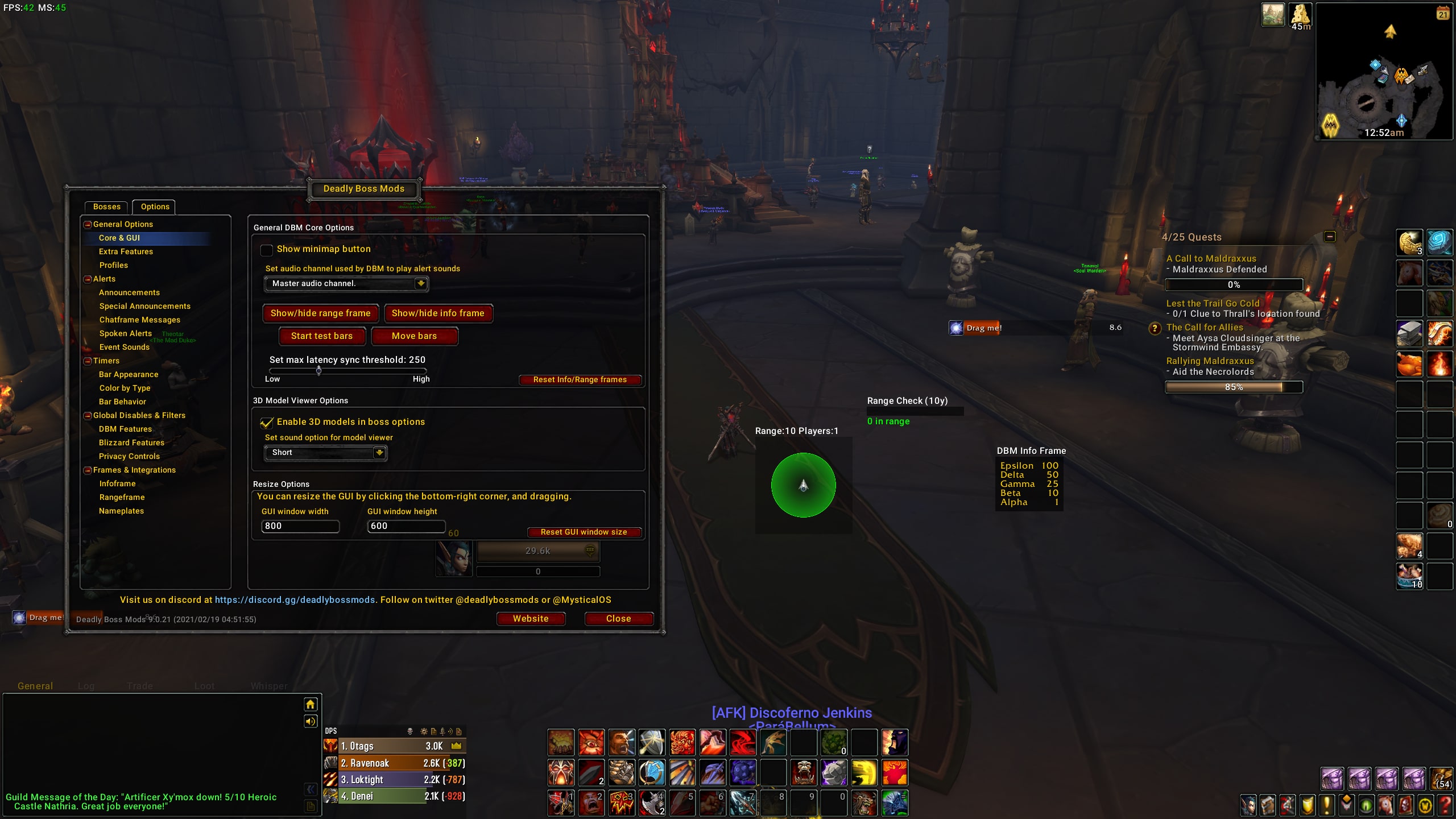
DeadlyBossMods for WotLK is a Wrath of the Lich King-specific build of the popular boss encounter addon, finely tuned for Northrend raids including Icecrown Citadel, Ulduar, and Trial of the Crusader.
Categorized under Combat, Boss Encounters, and PvE, this addon is a must-have for players seeking to improve their World of Warcraft experience on private servers.
Key Features
- WotLK-specific encounter data for Naxxramas, Ulduar, ToC, and ICC bosses
- Hard mode and Heroic variant timers for encounters like Yogg-Saron and Lich King
- Sindragosa frost bomb positioning alerts and Lich King Defile warnings
- Ulduar Flame Leviathan vehicle encounter support with turret alerts
- Faction Champions PvP-style boss tracking for Trial of the Crusader
- Professor Putricide transition phase and slime management alerts
- Blood Queen Lanathel bite order tracking and timer management
- Optimized for WotLK private server compatibility and boss scripting variations
Why DeadlyBossMods is Essential
WotLK private servers are among the most popular in the community, and this purpose-built DBM version handles the subtle timing differences found in custom server scripts. Whether you are progressing through Ulduar hard modes or farming Icecrown Citadel weekly, this addon ensures your timers match the server you are actually playing on.
Supported Expansions
DeadlyBossMods is available for WotLK. Whether you play on a Classic private server or a modern expansion realm, this addon enhances your gameplay across all supported versions.
How to Install DeadlyBossMods
Extract the DeadlyBossMods folder into your WotLK client AddOns directory. Verify compatibility with your specific private server by checking timer accuracy on early bosses before progressing.
Browse more WoW addons and find the best private servers on DivineTop.